Practical example

Low-barrier Moodle courses

Teachers
Martina Gerhardt, Martin Groß
Last update
University(s)
Subject group(s)
Target group(s)
Format | Mode

|

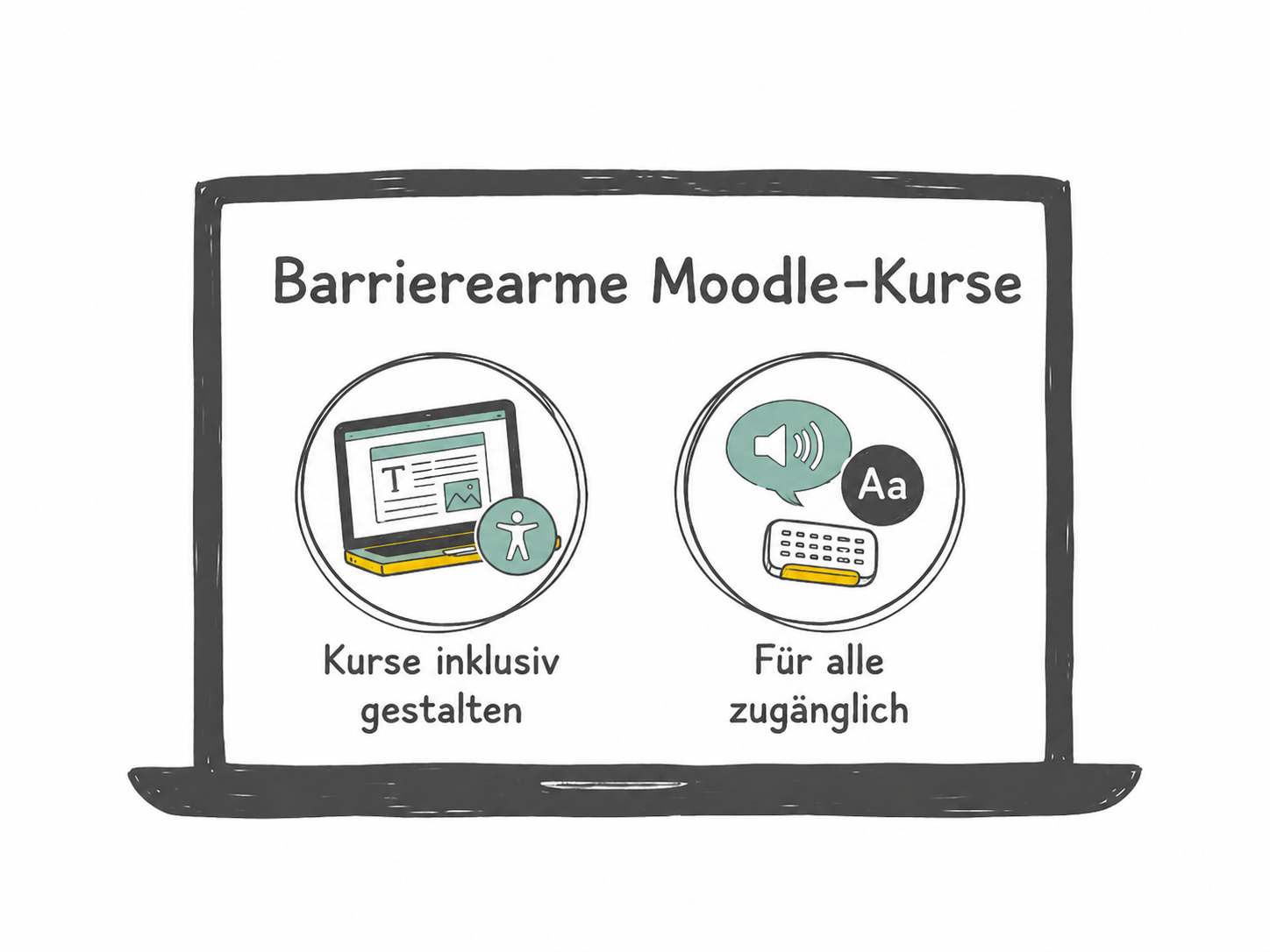
How can digital courses be designed in such a way that they are accessible to as many students as possible? This is exactly where the revised course “Barrier-free Moodle courses“ comes in. It is based on a workshop and corresponding materials from Moodle.NRW and has been expanded to include additional content.
The course offers practical insights into how Moodle courses and learning materials can be made more inclusive.
The programme is primarily aimed at teachers who want to further develop their digital teaching materials and make them accessible to as many students as possible - regardless of individual requirements or restrictions.

The challenge of teaching

In view of an increasingly heterogeneous student body, the issue of accessibility is becoming more and more important for lecturers at universities. Different physical or mental impairments, which are not always visible, as well as different requirements in terms of language or prior knowledge require a conscious design of courses and teaching materials.
Appropriate organisational measures and accessible materials not only support students with disabilities, but benefit everyone.

Goals of your practical example

The course is designed to support teachers in making Moodle courses and the teaching materials provided more accessible step by step. Firstly, the basics of accessible design are taught.
In addition, specific tips are given on designing accessible Moodle courses and creating accessible materials and documents. This content is supplemented by references to helpful tools that can support the creation of accessible materials as well as further learning and information offers.
The course is primarily aimed at teachers, but is also open to students and offers a low-threshold introduction to the topic.

Prerequisites for implementation

Procedure

The Moodle self-study course can be completed via the Virtual Campus Thuringia (VCT), the joint Moodle platform of the Thuringian universities. Access is usually via the logins of the respective universities. Alternatively, you can create your own account via „Login“ / „Create new account“ if you do not belong to a Thuringian university.

Material for the practical example

Helpful links and sources

Your suggestion or question

We hope that the practical examples will be viewed critically, utilised and developed further and thus remain alive. Therefore, please use the comment function to give your assessment of this practical example. Share your experiences in the implementation or refer to similar didactic methods (please include references or links). 

Your assessment will first be checked by us and then approved.

Leave a Reply

Your email address will not be published. Required fields are marked *

Contact person for the teaching concept

Bild von Claudia Hoffmann

Claudia Hoffmann

Contact us

Selection of topics